
In november 2025 I went to Gamescon, which is a convention in Serbia that’s all about games, cosplaying, et cetera. This is relevant because I made myself 3 badges there because I won some kind of competition.
I gave one to a friend, and left 2 in my bag. I didn’t think much of it, until I started yearning for Moonlight.
Moonlight, if you don’t know, is an Nvidia Gamestream (deprecated, Sunshine is the modern equivalent) application for various platforms that you can use to stream your computer to your console.
I already had a PlayStation Vita on which I DREADED Moonlight. There were no trigger buttons, no analogue stick buttons, and I couldn’t do the classic Switch thing where you prop it up on a desk and play shit while you hold the Joy-Cons.
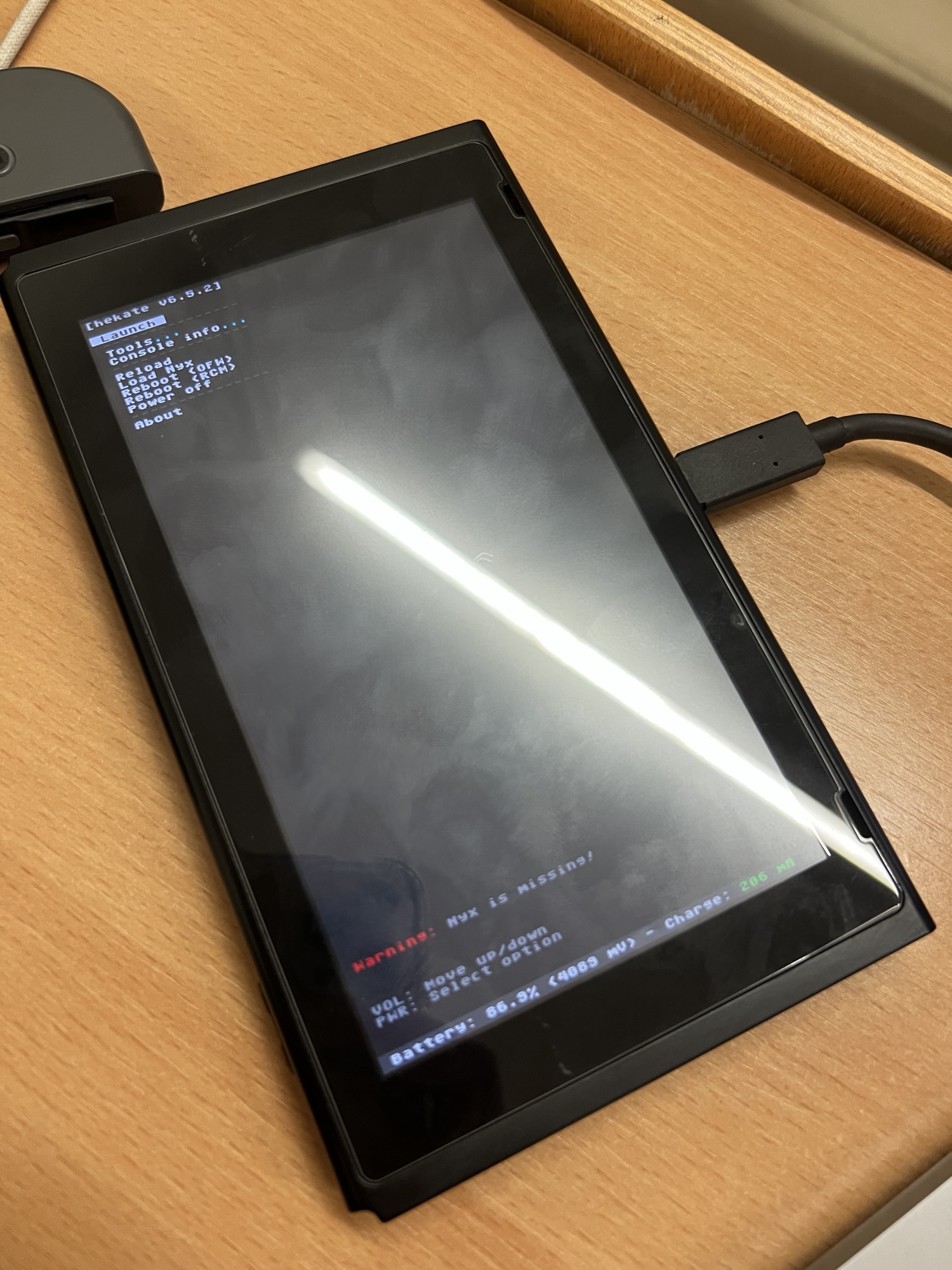
Enough yapping, here’s what happened after:
I found the badges. What did I do that you can do as well
First of all, unless you have godlike finger strength and stability under pressure, this is not for you. You can trash perfectly good badges to try and see if you can do it, but if it slides off easily or is unstable in your hand, go on YouTube and find tutorials on how to make a paperclip jig, or grab a dollar and order an actual Jig like I did. I only did this to find out if my console with a questionable model number is patched or not. It is not.
You have to get a master badge and a slave badge of the same size. The master badge will be bent downwards when looking at the face of the badge, and the slave will be bent upwards.
Once you do this, join them together, making sure that the metal pins touch each other. Doesn’t matter where, but don’t rely on anything else to bridge them, considering that the metal surface on the back of some badges are non-conductive.
Once you did so, you’re gonna collect all your strength, patience and a computer to load your bootloader.

They should look like this in the end.
Combine them so that the faces are on both sides and you get two prongs that look like an AC plug. Then you’re gonna find a hard surface to scrape them on.
The goal is to bend the sharp ends enough so that they touch the RCM pins 1 & 10 (which are conveniently placed on the ends of the right Joy-Con interface), and also to dull them enough so that they don’t break or scratch away the connector
Once you did so, breathe in, breathe out. Hold steady. Turn your Switch off, hold the badges together like your life depends on it, line them up on the necessary pins, go inside and hit the power button while holding the volume up button.
If nothing appears, GOOD JOB. Holy crap. That is stressful. If you get the Nintendo logo, I advise you to try 3 more times before you give up. Make sure to wait around 5 seconds while lining up the pins of the badges with 1 and 10 of the Joy-Con port, and when you’re ABSOLUTELY SURE, lock it in and turn it on.
Epilogue
I am not responsible for any damage you might do to your port. This was merely an experiment to see if my console is patched, and if it’s worth it buying a jig.
Since it is, I’ll call it a day and restore these two badges into proper working order and give them away.
